Top 3 Visios.us Alternatives for Meeting Management 2026

Top 3 Visios.us Alternatives for Meeting Management 2026
Capturing accurate, organized meeting notes while handling multilingual teams and compliance needs slows ministry operations. Many tools require manual transcription, lack church governance templates, or hide pricing for larger teams behind a sales call. Ministry teams can compare features, workflow fit, and pricing across three tools to select the best meeting notes software for their needs.
Table of Contents
ReadyPen
At a Glance
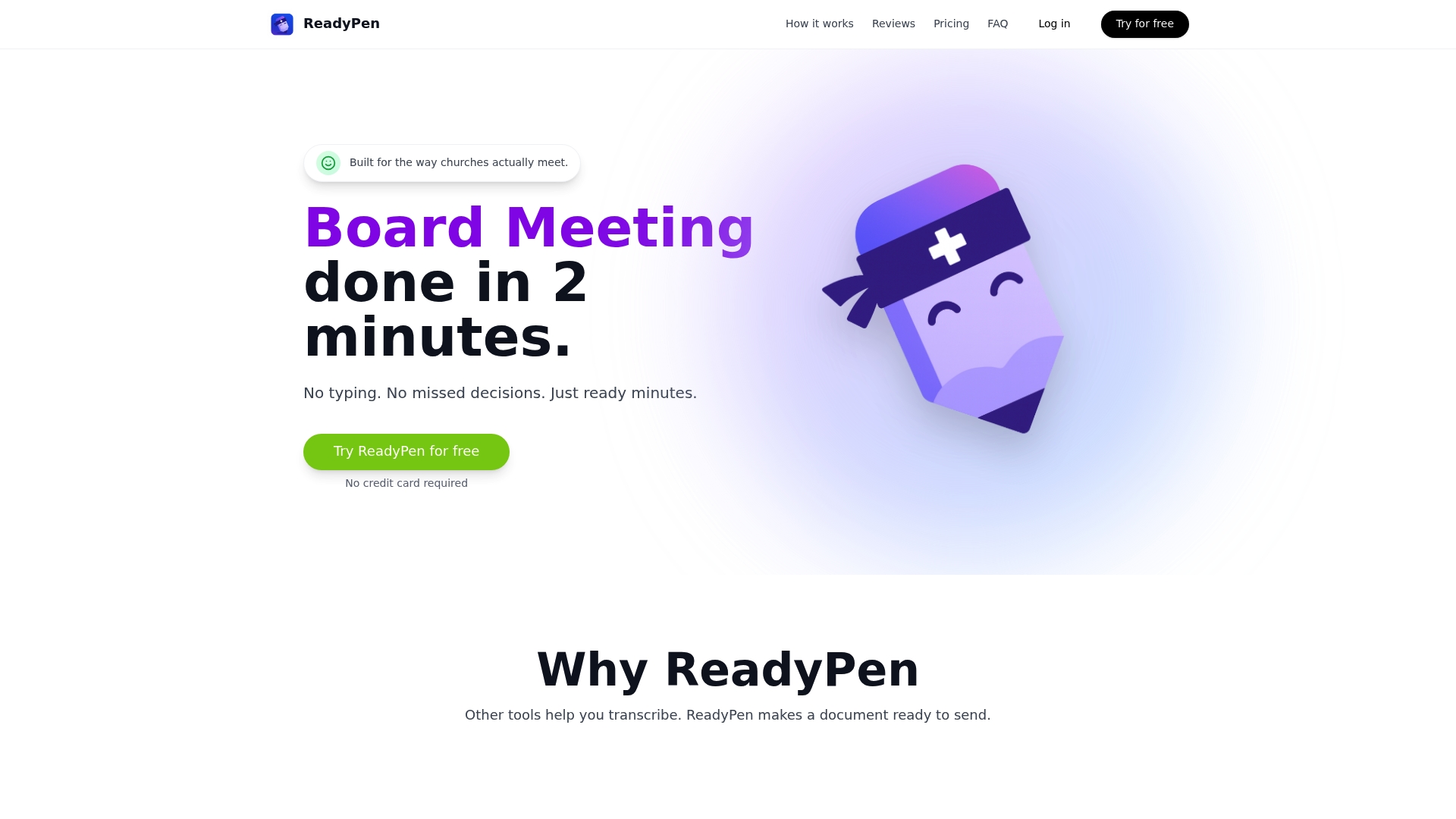
ReadyPen’s marketing materials state it generates ready minutes in under 2 minutes. It automatically creates structured, legally compliant meeting minutes from church meetings, sermons, and studies. The tool targets confidentiality with encrypted storage and options for automatic audio deletion.
Core Features
ReadyPen performs automatic transcription of live recordings and uploaded audio, then applies AI to produce structured summaries that highlight decisions, scripture, and action items. It includes templates for board meetings, finance, ministry, and other governance needs to keep documents consistent. Secure, encrypted storage and instant export to professional documents complete the workflow.
Key Differentiator
The product focuses on church governance by capturing motions, votes, and decisions in document form without manual transcription work. That capability ties the meeting record directly to denominational compliance and governance templates. For churches with formal minutes requirements, ReadyPen moves documentation from scattered notes to a single record.
Pros
ReadyPen saves staff time by replacing manual note taking and post meeting transcription with automatic processing. The system captures governance elements such as motions, votes, and action items, which helps when you must create legally compliant minutes. Templates and encrypted storage reduce formatting work and protect sensitive audio, and the product works with common meeting platforms such as Zoom.
Cons
- May require manual review for highly nuanced or complex discussions
Who It’s For
Church secretaries, pastors, and church administrators who run regular board, finance, or ministry meetings will find ReadyPen relevant. The product fits teams without dedicated administrative transcription support. Denominations with formal minute taking rules will gain the most from its governance templates.
Unique Value Proposition
Built on Base44 and operated by Video-Joy LLC in Ceres, CA, ReadyPen ties a church focused feature set to a specific platform and operator. The vendor says it is preparing for an iOS App Store launch, which suggests upcoming mobile access for on the go meeting work. That platform foundation supports templated compliance features for ministries.
Real World Use Case
A church secretary uploads a board meeting audio after adjournment and reviews the output within minutes. Following that timeline claim, the secretary edits any nuance, then shares professionally formatted minutes with members that list motions, votes, and action items. Encrypted storage and automatic audio deletion keep confidential items protected.
Pricing
ReadyPen offers a free tier and paid plans starting at $18/month with additional collaboration features for larger organizations. Pricing is structured across four tiers to fit small to larger church teams. The company reports one paying user contributing to monthly recurring revenue.
Website: https://readypen.io
Circleback
At a Glance
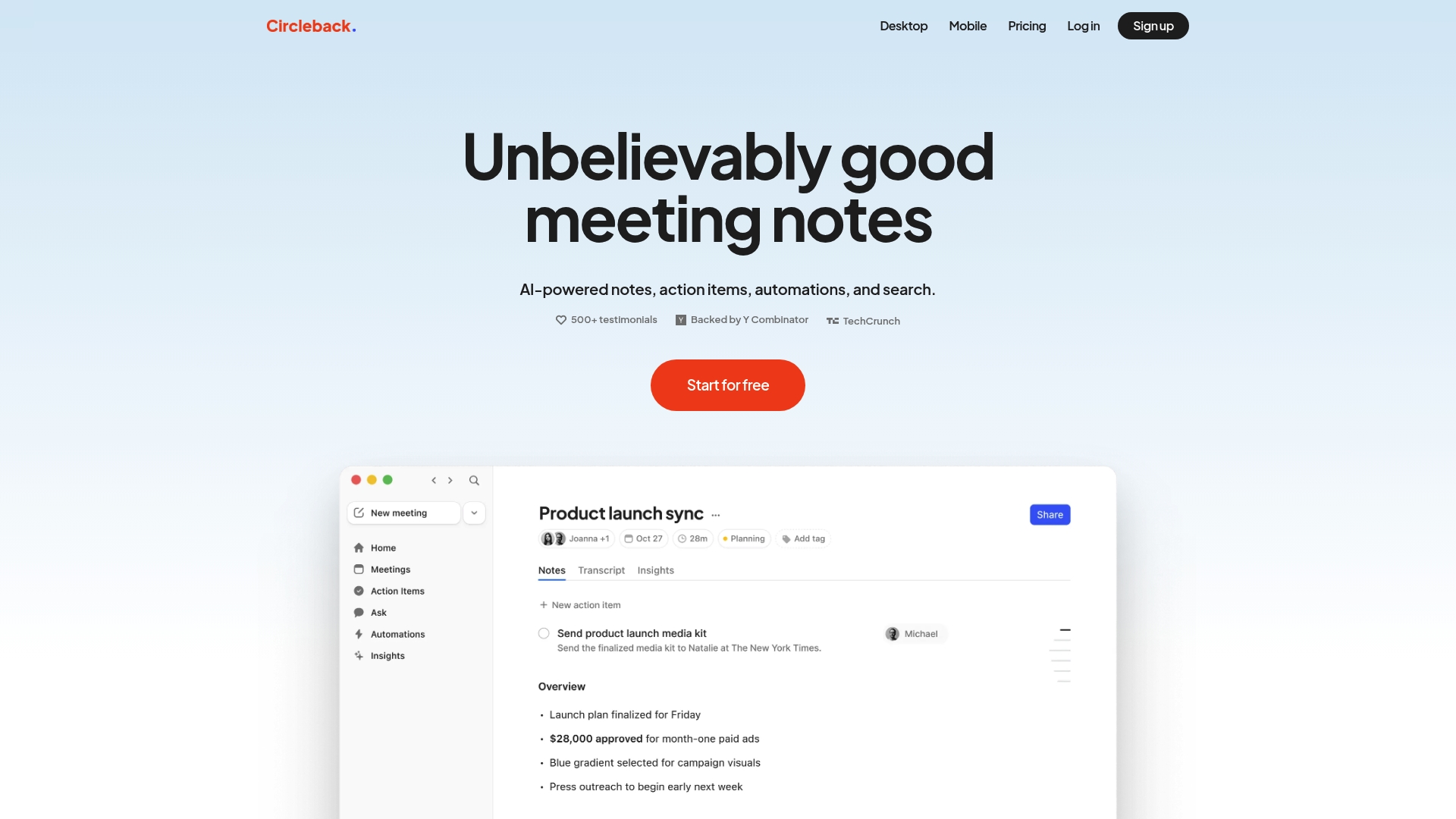
According to the company, Circleback supports over 100 languages for speech transcription. It records both in-person and remote meetings and extracts action items and summaries automatically. That multilingual transcription can help teams capture notes from callers or volunteers who speak different languages.
Core Features
Circleback delivers AI-generated meeting notes and summaries, automatic action item capture and assignment, and speaker-aware transcription for live and recorded sessions. The vendor advertises integrations with more than 1,000 apps, plus advanced search across all meetings so you can query past conversations. The vendor advertises compliance with SOC 2, GDPR, and HIPAA.
Key Differentiator
Circleback combines in-person recording support with online meeting capture and speaker recognition. Its mix of detailed note organization and a broad integration surface makes it practical for teams that need notes tied directly into CRM and project tools.
Pros
Users report accurate, organized notes and clear action items that reduce manual follow up. The product handles both live room recordings and remote calls, which suits teams that split work between office and field. Strong integration options let you push notes and tasks into Slack, Notion, CRM systems, and automation platforms to keep downstream work in one place.
Cons
- Enterprise pricing requires direct contact. Pricing details for larger organizations are not listed.
- Teams with non-participating members in meetings may get incomplete speaker attribution. That can require manual correction.
- Integrations can require setup effort. Some buyers report a moderate configuration time to connect workflows.
When It May Not Fit
If your team must see transparent enterprise pricing upfront, Circleback may not fit because enterprise costs require sales engagement. If you have no bandwidth to configure integrations, the initial setup may slow adoption. Organizations that need a lightweight, no-configuration note tool may find the platform more complex than necessary.
Notable Integrations
- Google Calendar
- Gmail
- Outlook
- Slack
- HubSpot
- Salesforce
- Attio
- Linear
- Notion
- Monday
- Zoho
- Zapier
- Make
Who It’s For
Church administrators and ministry leaders who run mixed in-person and online meetings and who need searchable, recorded archives will benefit most. Teams that sync meeting notes into CRM or project tools will get the most value from the integrations. Larger ministries with compliance needs will appreciate the advertised security controls.
Real World Use Case
A consulting firm uses Circleback to automatically transcribe client meetings, generate action items, and sync relevant notes to project management tools. That reduces manual note-taking and helps consultants hand off tasks to the right team members quickly. Ministries could adopt the same flow for donor meetings and staff check-ins.
Pricing
Pricing starts at $20.83 per user per month for individual plans and $25 per user per month for team plans. Enterprise pricing is available upon request and requires direct contact with sales.
Website: https://circleback.ai
Meeting.ai
At a Glance
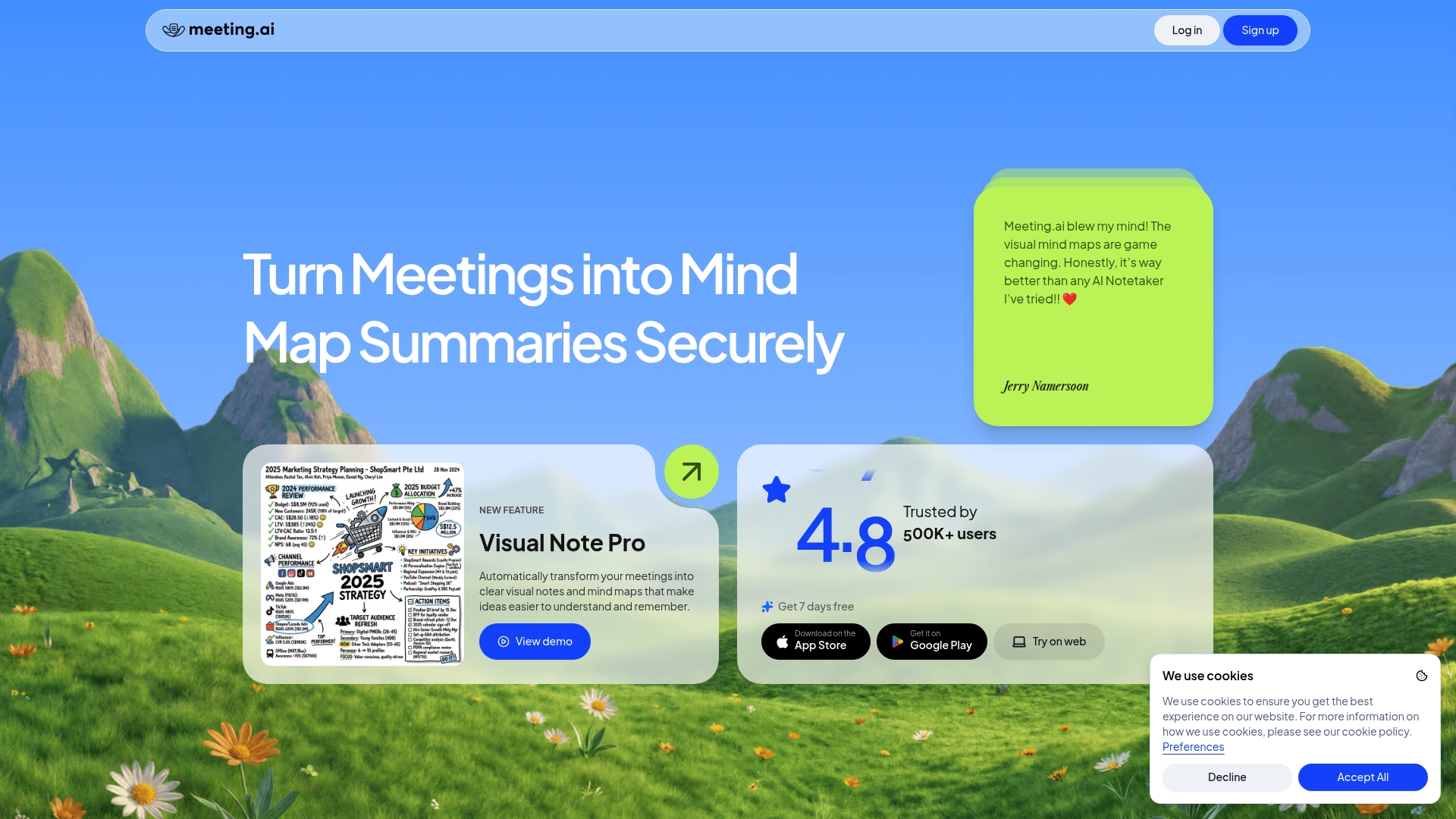
Meeting.ai reports over 500,000 users across industries. The vendor advertises 99% accuracy for multilingual transcription, and the platform automatically produces visual mind maps after meetings. That user base claim and the visual output make it worth testing for teams that run frequent cross‑language sessions.
Core Features
Meeting.ai captures real‑time transcriptions and produces concise summaries, and it identifies speakers to make attribution in notes clearer. The tool converts meeting content into visual mind maps and structured notes, and it offers AI query tools for follow‑up clarifications and refinements. Exports and secure sharing let teams send meeting artifacts to stakeholders after a session.
Key Differentiator
The standout is the auto‑generated visual mind maps paired with highly accurate multilingual transcription. That combination helps teams turn spoken discussion into an organized decision record and a visual summary for people who skip long minutes. This focus suits groups that mix languages and accents in the same meeting.
Pros
Meeting.ai excels at capturing spoken content across languages and accents. The platform groups ideas visually, which shortens the time needed to review decisions and next steps. The interface supports scheduling and sharing, and the transcription plus speaker ID reduce ambiguity when multiple people speak. The vendor reports that many use cases include standups, product planning, and client presentations, and that breadth suggests flexible workflow fit.
Cons
- Requires a stable internet connection for its full feature set, according to third‑party reviews. This affects real‑time transcription and live mind map generation.
- May need adaptation for dense industry jargon or very niche languages; initial tuning could be necessary for accurate term capture.
- Fully offline operation appears limited, and the product does not claim robust performance with extremely poor audio quality.
When It May Not Fit
If your church office runs meetings in locations with unreliable internet, Meeting.ai may not deliver reliable real‑time transcription or live visual mapping. If your meetings use rare dialects or heavy technical jargon, expect a period of manual correction or custom vocabulary setup. Teams that require complete offline recording and analysis will need to test whether the tool meets their constraints.
Who It’s For
Meeting.ai fits ministry teams and church staff who hold remote, hybrid, or multilingual meetings and want visual post‑meeting artifacts. Pastors or program directors who share summaries with volunteers will find the mind maps useful for quick briefings. Productive adoption requires decent network connectivity and occasional term tuning.
Real World Use Case
A product team uses Meeting.ai to capture a roadmap planning session. The app transcribes comments, tags speakers, and exports a mind map that highlights features and owners. The visual summary shortens follow up and helps the team assign priorities more quickly.
Website: https://meeting.ai
Comparison of alternatives
ReadyPen excels in the specialized domain of church governance, offering compliance-focused features by general-purpose meeting tools. The competitors deliver valuable alternatives in multilingual support and CRM integration workflows.
Governance compliance and documentation
ReadyPen uniquely automates the production of structured meeting minutes tailored for church administrative needs. Functionalities include encryption of sensitive data and pre-formatted meeting templates that expedite the compilation of legal and governing records. These capabilities simplify compliance-driven operations common in denominational oversight requirements. In contrast, other tools like Meeting.ai lack these church-specific structuring features, directing their focus to broader industries.
Multilingual support and integrations
Meeting.ai excels in multilingual transcription, delivering 99% accuracy and extending functionality with visual mind maps of discussions. Circleback stands out for its broad CRM and project tool integrations, benefiting ministries utilizing platforms such as Salesforce for donor management. However, these tools lack the targeted emphasis on church governance that defines ReadyPen.
Best fit
- ReadyPen is crucial for ministries requiring compliance-focused meeting minutes automation with standardized templates and secure documentation protocols.
- Meeting.ai suits ministries conducting multilingual meetings, needing accurate transcription and visual decision summaries.
- Circleback matches teams integrating meeting content into project management workflows for streamlined task assignment.
Our pick
ReadyPen stands apart for its governance compliance automation tailored to church administrative structures. Ministries prioritizing structured meeting minutes and storage will find ReadyPen indispensable. If multilingual transcription or CRM workflow integration is, competitors like Meeting.ai or Circleback offer distinct advantages.
Achieve well-organized, automated transcription and meeting notes with these software options tailored to different needs.
| Product | Best For | Key Differentiator | Pricing | Notable Limitation |
|---|---|---|---|---|
| Readypen | Church secretaries and administrators | Tailored compliance and governance | Free tier; paid plans from $18/month | May need manual review in complex discussions |
| Circleback | Mixed in-person/online meeting teams | Multilingual support and integrations | From $20.83/user/month | Integration setup may require moderate effort |
| Meeting.ai | Teams requiring visual meeting summaries | Visual mind maps with transcription | Price not published | Limited offline feature capabilities |
Challenges Churches Face When Searching for Visios.us Alternatives
Choosing the right meeting management tool can feel frustrating for church secretaries, pastors, and ministry administrators. Key pain points include capturing legally compliant minutes quickly, keeping sensitive discussions secure, and avoiding the hassle of manual note-taking. Readypen offers a church-focused solution that tackles these needs. It generates structured meeting minutes automatically from recordings and live meetings, with encrypted storage and governance templates tailored for ministry use.
Readypen saves hours of staff time by replacing manual transcription with instant summaries that capture motions, votes, and action items. Its integration with popular platforms like Zoom makes it easy to adopt without restructuring your current workflows.
Explore how Readypen supports church meeting management and see how it compares as a leading visios.us alternative. Import your audio and get ready minutes in under two minutes.
FAQ
How does Readypen manage meeting notes for church governance?
Readypen automatically generates structured, legally compliant meeting minutes from church meetings. Its ability to capture motions, votes, and decisions ties documentation directly to denominational compliance needs, making it ideal for church governance.
What is the difference between Circleback and Readypen for meeting management?
Circleback excels in supporting over 100 languages for speech transcription and integrates with more than 1,000 apps, which is beneficial for diverse teams. Readypen, on the other hand, focuses specifically on church governance and offers templates suitable for meeting documentation in that context.
Can I use Readypen for meetings that require compliance with specific denominational templates?
Yes, Readypen comes with templates tailored for board meetings, finance, and ministry needs, which are designed to support compliance with formal minute-taking rules. This feature ensures you can maintain consistent documentation aligned with your church’s governance requirements.
What features does Meeting.ai offer that are useful for multilingual meetings?
Meeting.ai provides 99% accurate multilingual transcription and generates visual mind maps from meetings. These features help teams effectively capture and organize discussions across different languages, which can enhance clarity and understanding.
How can Readypen save time for church staff handling meeting documentation?
Readypen significantly reduces the time spent on manual note-taking and post-meeting transcription by automating the process. This allows church secretaries and administrators to focus on more critical activities while ensuring accurate and organized meeting records.