Mastering the Sunday Stream: Proven Workflows for Your Church Tech Team
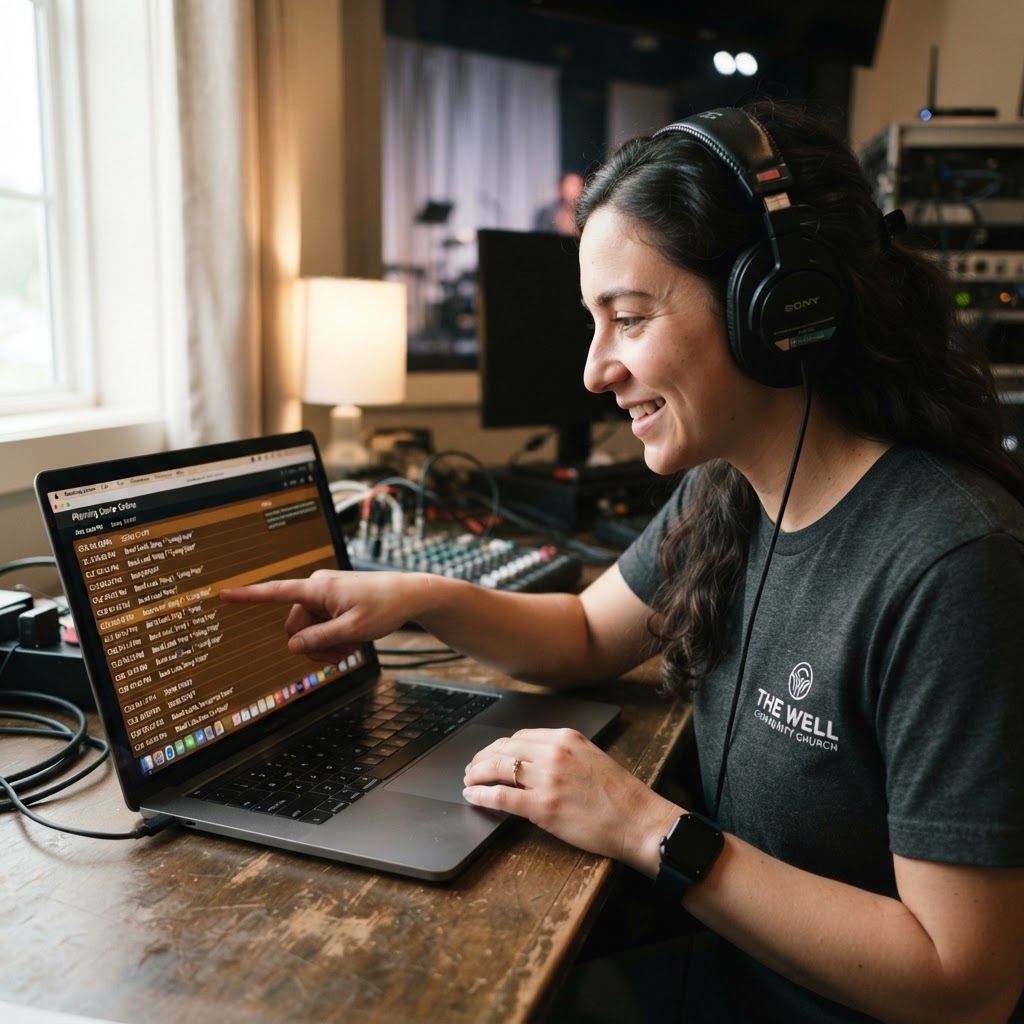
The worship service is in full swing, the pastor is mid-sermon, and suddenly, your livestream feed goes to a black screen, or worse, audio drops completely. Your phone starts vibrating with frantic texts from congregants at home, while your tech booth team is frantically troubleshooting cables in the dark. It is a familiar, high-stress scenario that many ministry leaders know all too well.
We often treat the livestream as an afterthought to the in-person experience, yet for many, it is their primary way of connecting with your church. If your team is operating on vibes and last-minute improvisation, you are not just missing out on technical quality; you are missing an opportunity to minister effectively to those tuning in from afar. The difference between a broadcast that distracts and one that invites worship often comes down to one thing: a disciplined, documented workflow.
The Anatomy of a Precision Run Sheet
A run sheet is more than just a list of songs and segments. It is the roadmap for your entire production. When your team relies on mental notes or loose scraps of paper, you leave the door open for human error at the most critical moments. A robust run sheet should account for every second of the broadcast, including pre-roll, transitions, lower-thirds, and even specific camera angles.
Include columns for the timecode, the specific element, the responsible team member, and visual or audio cues. By making this document accessible and static well before Sunday morning, you ensure that everyone is looking at the same map, even when the service takes an unexpected turn.
Pro Tip: Build your run sheet in a collaborative cloud document. This allows your worship leader to input song changes in real-time, preventing the classic 'surprise song' scenario that leaves your camera operators scrambling.
Defining Roles for a Calm Tech Booth
In many churches, tech volunteers wear too many hats. One person might be trying to manage the sound mix, flip slides on ProPresenter, and operate a robotic camera simultaneously. This is a recipe for burnout and technical failure. You need clearly defined roles, even if your team is small.
The three essential pillars for any stream are the Director, the Visual Technician, and the Audio Engineer. The Director maintains the flow, ensuring the overall broadcast experience is cohesive. The Visual Tech focuses exclusively on what the remote audience sees, while the Audio Engineer ensures the mix is optimized specifically for digital playback, which often requires a different balance than what is heard in the room.
Average Tech Error Rate by Planning Maturity
Rehearsal: Why Speed Is Not Enough
Many churches skip the full tech rehearsal to save time, opting for a quick soundcheck instead. However, a tech rehearsal is where you hunt for those hidden glitches before the congregation arrives. It is about testing the transitions, verifying that the lyrics are synced with the stream, and confirming that the pastor’s microphone is properly gated for the digital feed.
If you don’t have time for a full-scale run-through, prioritize the high-risk segments: the transitions between worship and the sermon, and any video elements that rely on synchronized audio. Using the time during the week to document these meeting-based production decisions helps everyone stay aligned. Tools like ReadyPen can help automate the capture of these planning meeting notes, ensuring that the team’s decisions on set changes are preserved and acted upon during your Sunday prep.
| Task | Primary Owner | Goal |
|---|---|---|
| Run Sheet Creation | Director | Ensure total alignment |
| Soundcheck | Audio Engineer | Optimize digital mix |
| Graphics Check | Visual Tech | Verify lyrics/slides |
| Full Tech Run | Entire Team | Eliminate last-minute panic |
Pro Tip: During rehearsal, designate a 'non-tech' observer—a church member or staff person—to watch the stream and provide feedback on the mix and visual clarity. We often become 'tech blind' to our own mistakes.
Key Takeaways
| Point | Details |
|---|---|
| Run Sheets | Centralize cues, timing, and responsibilities. |
| Role Clarity | Split audio, visual, and directing duties. |
| Tech Rehearsal | Test transitions rather than just levels. |
| Feedback Loop | Use fresh ears and eyes for every service. |
Conclusion: Moving from Chaos to Consistency
Building a successful livestream workflow is not about creating a stiff, corporate environment; it is about removing technical friction so your team can focus on the mission at hand. When you stop worrying about whether the feed will crash, you open up bandwidth to worry about how your content is impacting the lives of your viewers. Consistency builds trust, and trust is the foundation of any growing digital ministry.
As your team gathers to refine these workflows, remember that managing the information from those meetings is just as important as the tech itself; try ReadyPen free to automate your meeting notes and keep your ministry team rowing in the same direction.