Hybrid Church Meetings: Making Zoom Attendees Full Participants
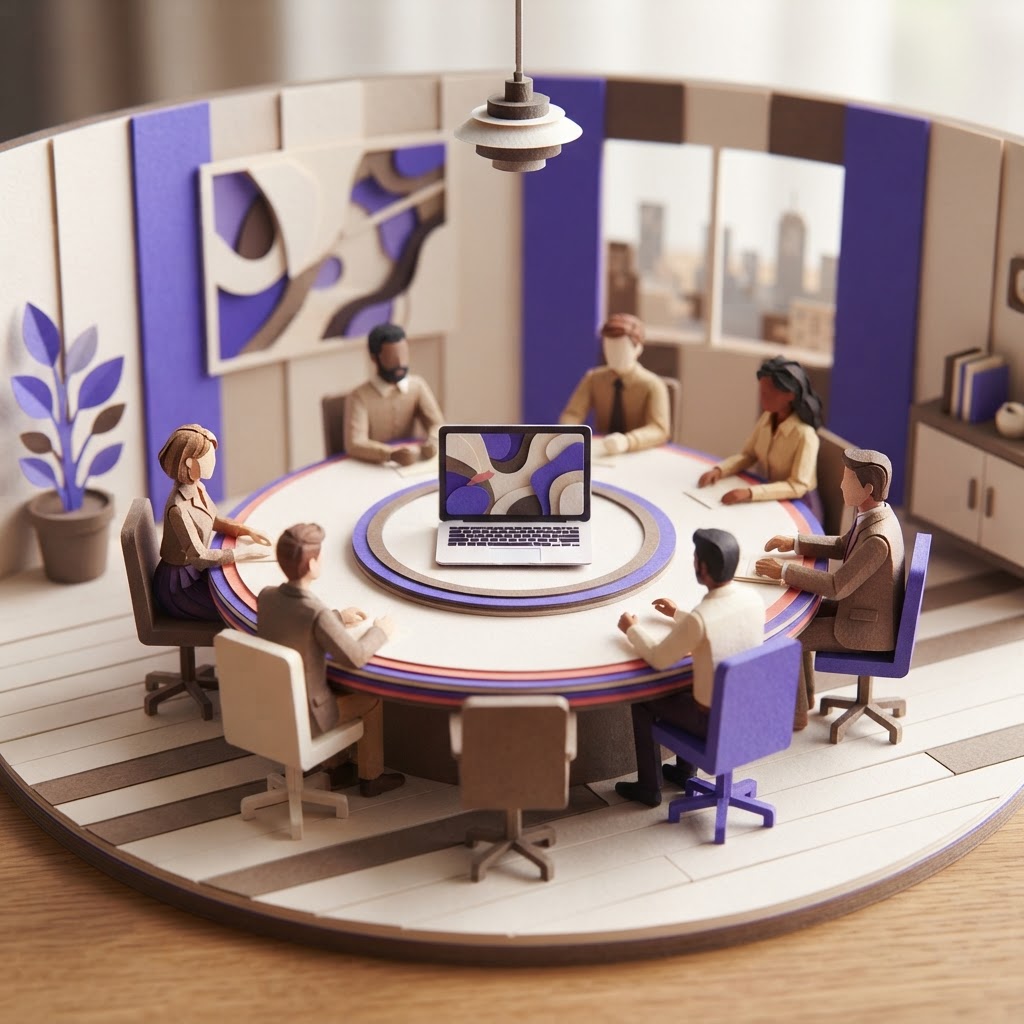
Picture this: You are sitting in the church office conference room. The agenda is packed, the coffee is hot, and the team is buzzing with energy. On the wall-mounted monitor, three of your staff members are visible via Zoom. They are nodding along, but as the conversation heats up, the room dynamic shifts. Someone in the office makes a joke, everyone laughs, and the remote team members stare blankly at their screens, missing the context. Five minutes later, a decision is made, and the remote participants are left wondering how the group arrived there.
This is the silent struggle of the hybrid church meeting. It is not a lack of intention; it is a lack of infrastructure. When we treat remote attendees as observers rather than participants, we lose the wisdom, creativity, and buy-in of our entire team. If your ministry team is split between the office and home, you are likely facing a participation imbalance that hinders your mission.
The Cost of the Participation Imbalance
In many church board meetings or staff huddles, the physical room naturally dominates. In-person attendees have the advantage of body language, side conversations, and immediate access to the whiteboard. Remote participants, meanwhile, are often relegated to the role of passive listeners. This isn't just frustrating; it is a leadership failure that leads to disengaged staff and incomplete decision-making.
Research suggests that when meetings are not intentionally designed for hybrid equity, remote participants are significantly less likely to contribute their best ideas. When they feel like second-class citizens, they stop showing up mentally, even if they are still logged into the call.
Impact of Hybrid Meeting Design on Participation
Note: These figures are illustrative benchmarks based on common organizational feedback regarding meeting equity and remote collaboration.
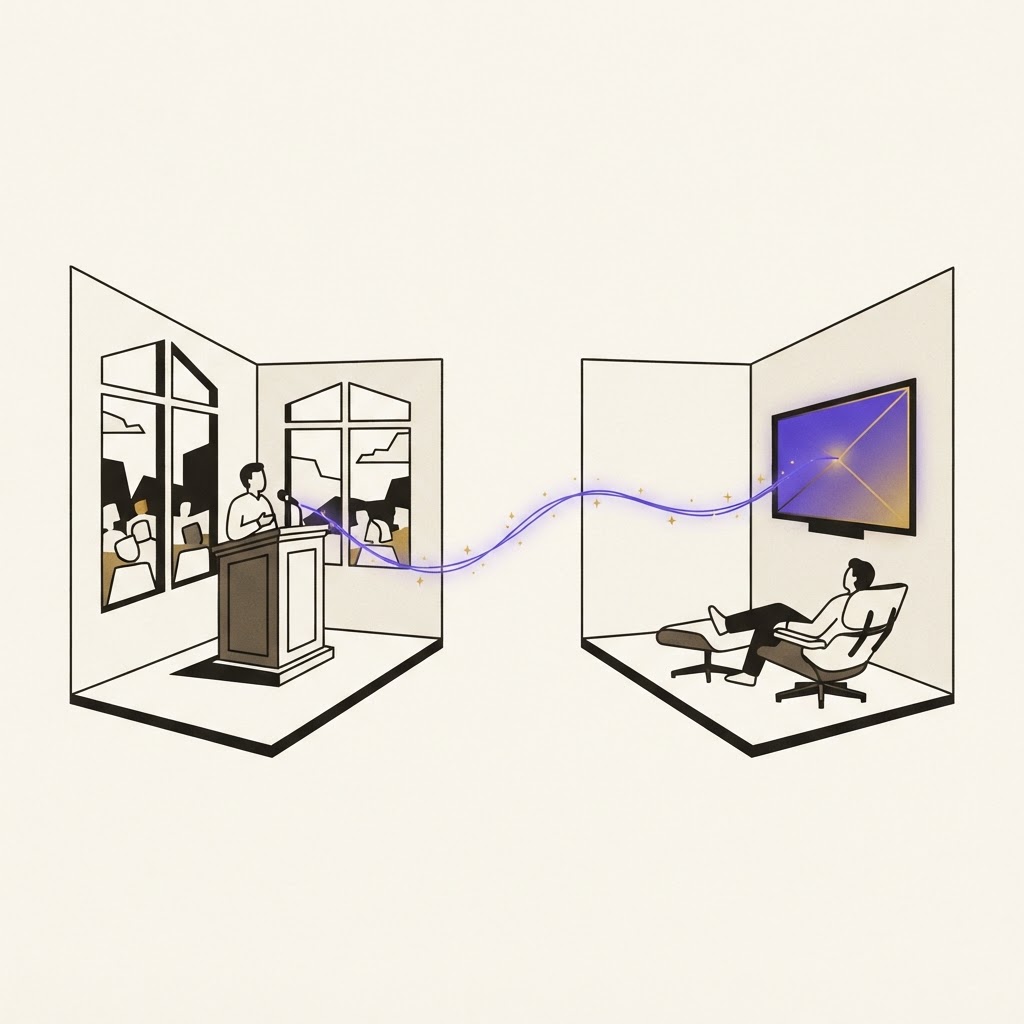
Adopt the One-Person, One-Screen Rule
The most effective way to level the playing field is to ensure that everyone has an equal presence. If you have a mix of people in the room and on Zoom, try the "one-person, one-screen" rule. Even those in the office should log into the meeting from their own laptops with their cameras on. This forces everyone to interact through the same digital interface, making it impossible for the in-room group to accidentally exclude those on the screen.
When everyone is on a screen, the chat function becomes a powerful tool for inclusivity. It allows quieter team members to contribute without interrupting the flow of conversation, and it provides a written record of ideas that might otherwise be lost in the shuffle.
Pro Tip: Assign a dedicated "remote advocate" in every meeting. This person’s sole job is to monitor the chat and ensure that remote participants are invited to speak before a final decision is reached.
Leverage Technology to Capture the Moment
One of the biggest hurdles in hybrid meetings is the "information dump"—where decisions are made, but the context is lost. By the time the meeting ends, the remote team often feels like they missed the nuance of the discussion. This is where tools like ReadyPen become essential. By automating the documentation of your meeting proceedings, you free your team to focus on the discussion rather than scrambling to take notes. Having a clear, searchable record of what was decided and why ensures that remote participants are just as informed as those who were physically present.
Standardize Your Meeting Workflow
To make hybrid meetings work, you need a consistent rhythm. If your team is guessing how to join or where the agenda is, you have already lost them. Use a shared digital workspace where the agenda, background documents, and previous meeting minutes are available 48 hours in advance. This gives remote participants the time to digest the material and prepare their thoughts, putting them on equal footing with those who might have heard a hallway conversation about the topic earlier that morning.
| Feature | Traditional Hybrid | Inclusive Hybrid |
|---|---|---|
| Agenda Access | Handed out in room | Shared 48 hours prior |
| Remote Input | Afterthought | Solicited by name |
| Documentation | Manual/Inconsistent | Automated/Centralized |
| Visuals | Whiteboard only | Shared screen/Digital |

Proactive Facilitation Strategies
Facilitation is the secret sauce of a successful hybrid meeting. As a leader, you must be more intentional than you would be in an all-in-person setting. Call on remote participants by name. Ask, "What are the thoughts from our remote team on this?" before moving to a vote. If you notice a remote participant has been quiet, create a space for them to contribute. This isn't just about being polite; it is about stewardship of the gifts God has placed on your team.
Pro Tip: Use digital polling tools for quick decisions. It provides an immediate, visual way for everyone—in-room and remote—to register their opinion simultaneously, preventing the "loudest voice in the room" bias.
Key Takeaways
| Point | Details |
|---|---|
| Equity | Use the one-person, one-screen rule to equalize presence. |
| Preparation | Distribute agendas 48 hours in advance for all. |
| Facilitation | Actively invite remote input by name during discussions. |
| Documentation | Use automated tools to ensure everyone has the same record. |
Conclusion
Hybrid meetings are not a temporary inconvenience; they are a permanent feature of modern ministry. By shifting your mindset from "broadcasting" to "connecting," you can build a team that feels unified, valued, and heard, no matter where they are logging in from. When you prioritize equity in your meetings, you unlock the full potential of your staff and board. To help your team stay aligned without the burden of manual note-taking, you can try ReadyPen free to automate your meeting documentation today.