Digitizing Decades of Church Minutes: A Weekend-Project Roadmap
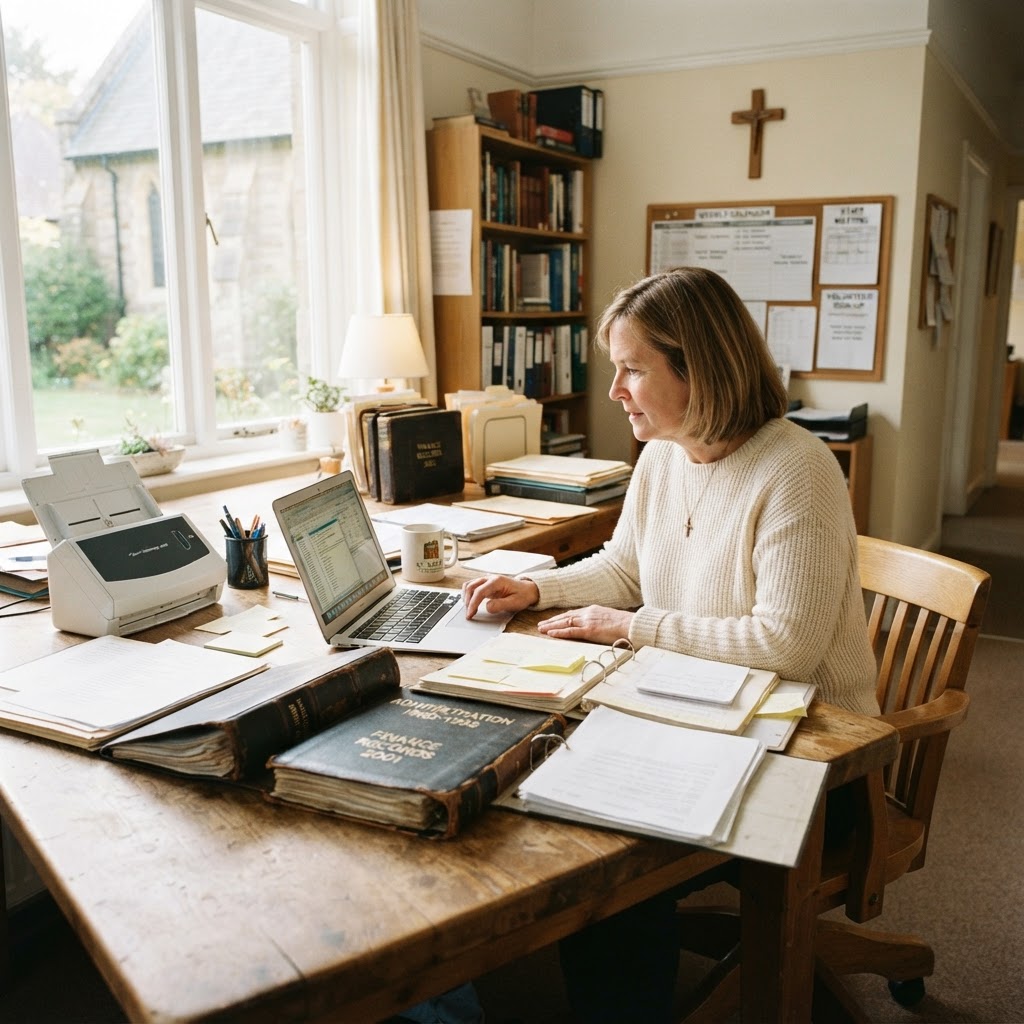
You know the corner of the church office I am talking about. It is that dusty cabinet behind the sound equipment, filled with overflowing binders and three-ring folders that smell faintly of basement dampness and aging paper. Inside those folders lie thirty years of board minutes—the history of your congregation’s baptisms, building projects, leadership decisions, and spiritual growth—all currently inaccessible to anyone who isn’t willing to spend an hour digging through paper.
We often treat church records as "archived," which is really a polite way of saying "ignored." But what happens when you need to verify a land deed decision from 1994, or research why the board chose a specific mission partner in 2005? When information is trapped on paper, it is effectively lost to the modern church leadership team. Transforming these archives into a searchable digital format isn't just an administrative chore; it is an act of stewardship over the legacy of your church.
Phase One: Preparation and Triage
Before you even touch a scanner, clear a large table. You need space to sort. The goal is to move from piles of paper to a structured digital architecture. Start by gathering every minute book from the last twenty years. Do not try to scan everything at once; you will burn out by Sunday afternoon. Instead, prioritize by relevance. The last five years of minutes are your highest priority for day-to-day operations, while the older records are your priority for historical preservation.
Create a simple folder structure on your cloud storage drive. A good hierarchy looks like this: Church Records / Board Minutes / Year / Month. By standardizing your file naming convention—YYYY-MM-DD-Board-Minutes.pdf—you ensure that anyone can find what they need in seconds rather than hours.
Phase Two: The Scanning Workflow
Don’t underestimate the hardware. If you are trying to use a flatbed scanner for thousands of pages, you will be there for a month. Invest in or borrow a high-speed document scanner with an Automatic Document Feeder (ADF). These devices can process thirty pages per minute, pulling them through while you handle the next stack. Many of these scanners come with OCR (Optical Character Recognition) software, which is the secret sauce: it makes the text inside your PDF files searchable, meaning you can type "Roof Repair" into your computer search bar and pull up exactly when that motion was passed.
Pro Tip: When scanning older, fragile paper, use a 'carrier sheet' to prevent delicate edges from snagging in the document feeder. This saves you from tape-repairing minutes from the 1980s.
If you are digitizing records in bulk, keep a notepad nearby to log any "gaps" you find—those missing months or years that might be hidden in someone’s home office or a different storage closet.
Estimated Time Investment (10 Years of Records)
The Metadata Advantage
Scanning is only half the battle. If you save every file as "Scan001.pdf," you haven't actually solved your problem; you have just moved the mess from a physical cabinet to a digital one. Use your tagging system to add metadata to your files. If you use a tool like ReadyPen to manage your *current* meetings, you already have the benefit of automated, searchable summaries. Applying this same discipline to your legacy files—tagging them by "Topic," "Committee," or "Fiscal Year"—turns a static document into a powerful resource for long-term planning.
| Phase | Key Activity | Outcome |
|---|---|---|
| Preparation | Sorting by Date | Reduced Clutter |
| Digitization | High-Speed Scanning | Searchable PDFs |
| Indexing | Standardized Naming | Instant Retrieval |
Pro Tip: Back up your new digital archive in at least two places: one local drive and one encrypted cloud service. Digital files are easier to lose than a physical binder if your primary server fails.
Key Takeaways
| Point | Details |
|---|---|
| Accessibility | Digital archives allow your team to search decades of history instantly. |
| Preservation | Digitizing prevents loss through moisture, fire, or accidental damage. |
| Efficiency | Standardizing naming conventions prevents digital "garbage" accumulation. |
Conclusion: Moving from History to Vision
By the end of your weekend project, you will have moved your church’s history out of a damp cabinet and into a secure, searchable, and usable format. You have honored the people who came before you by making their work useful for the leaders of tomorrow. Once your past is settled, keep your future simple. If you are looking to save time on your current and future meeting minutes, try ReadyPen free to automate the documentation process so you never have to manually type up board notes again.