Can AI Transcription Handle Crosstalk in a Noisy Fellowship Hall?
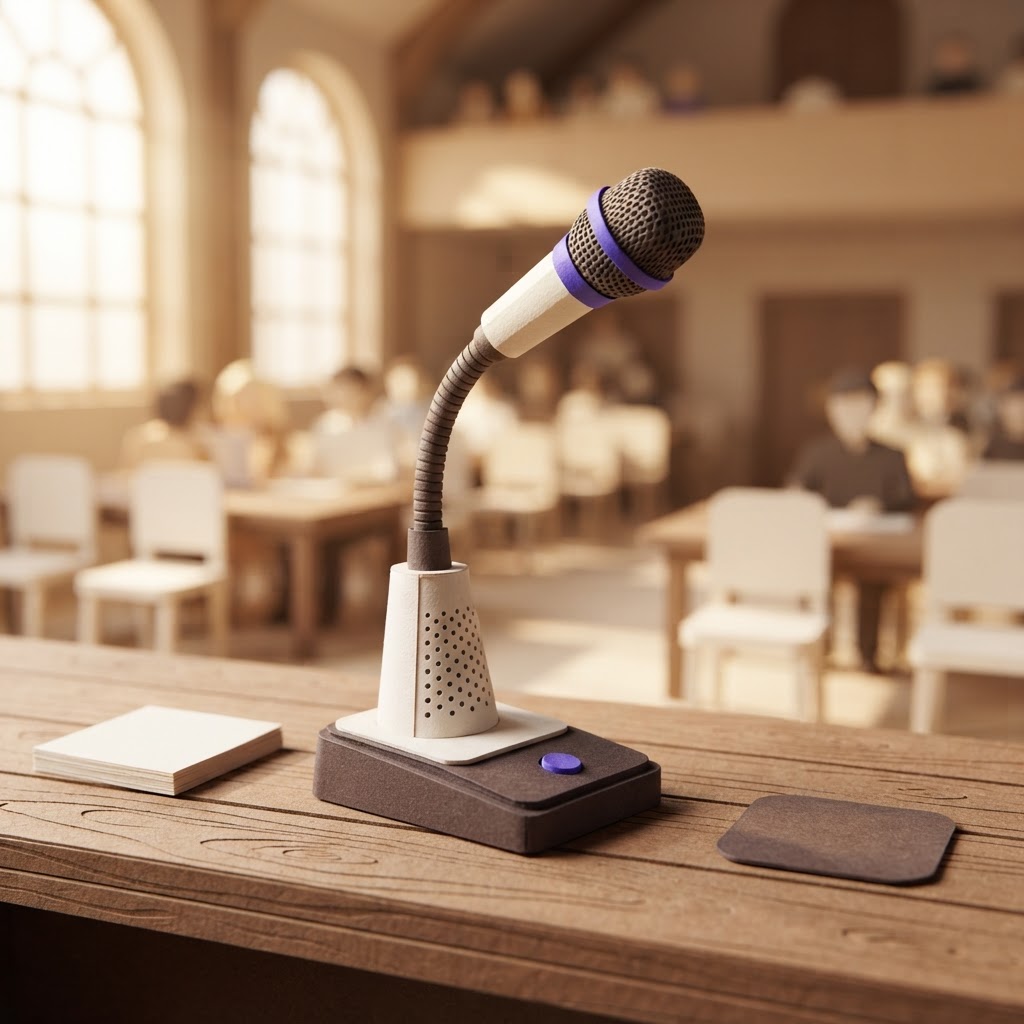
You are sitting in the fellowship hall, the air conditioner is humming, the coffee machine is brewing, and three deacons are debating the new roof budget simultaneously. You need accurate minutes, but your recording app is currently turning that lively, overlapping discussion into a jumbled mess of incoherent text. Can AI transcription actually handle this level of crosstalk? The short answer is: not perfectly, but it can get you 85-90% of the way there if you optimize your environment.
While AI has made massive leaps in 2026, it still struggles with the "cocktail party effect"—the human ability to focus on one voice while filtering out background noise. In a typical church meeting, crosstalk and ambient noise can push error rates from a clean 3% to over 35% in far-field recordings. However, by adjusting your hardware and recording habits, you can significantly improve the output of any transcription tool.
Why Crosstalk Breaks AI Transcription
AI models rely on clear, distinct audio signals to identify speakers and transcribe words. When multiple people speak at once, the audio waveforms overlap, creating a sonic blur that even the most advanced algorithms find difficult to parse. This is known as diarization error—the AI knows someone is talking, but it cannot distinguish between the pastor, the treasurer, and the board secretary.
In a church setting, this is compounded by the acoustics of fellowship halls, which are often designed for resonance rather than clarity. Echoes and reverberation act as additional noise, further confusing the AI. If you are relying on a single phone placed in the center of a large table, you are likely losing significant context during heated discussions.
Optimizing Your Audio for Better Results
Before you blame the software, look at your input. The most common reason for poor transcription is poor audio capture. To get the best results, you need to minimize the distance between the speaker and the microphone. If you cannot afford a professional multi-mic setup, even a simple omnidirectional conference microphone placed in the center of the table will outperform a smartphone's internal mic.
Pro Tip: If you are recording in a large, echoey room, try to place your recording device on a soft surface like a tablecloth or a felt mat. This reduces the vibration and echo that often muddies the audio signal before it even reaches the AI.
Another critical step is to encourage a "one speaker at a time" culture. While this is good for parliamentary procedure, it is also the single most effective way to ensure your AI tools can accurately attribute action items to the right person.
Comparing Transcription Tools for Ministry
Not all AI tools are built the same. Some are designed for one-on-one interviews, while others are built for complex, multi-speaker meetings. At ReadyPen, we have built our tool specifically for the nuances of church governance, but it is important to understand the landscape. We believe in being an honest broker: if you have a specific use case, another tool might be a better fit.
| Tool | Best For | Strengths | Weaknesses |
|---|---|---|---|
| ReadyPen | Church Boards & Committees | Context-aware, church-specific terminology, easy action item tracking. | Not designed for long-form sermon transcription. |
| Otter.ai | General Business Meetings | Excellent real-time transcription and searchability. | Can struggle with specific theological terminology; higher cost for teams. |
| Trint | Journalism & Media | High-quality editing interface and multi-language support. | Less focus on meeting-specific action item extraction. |
| Fireflies.ai | Sales & CRM Integration | Deep integration with CRMs like Salesforce or HubSpot. | Overkill for most church administrative needs. |
ReadyPen is our product, and we have optimized it for the specific way church boards operate—focusing on decisions, motions, and action items rather than just a verbatim transcript. If you need deep CRM integration for a large organization, Fireflies might be a better choice. If you are a journalist or media team, Trint’s editing suite is industry-leading.
Transcription Accuracy by Environment (Illustrative)

The Role of Human Review
Even with the best AI, you should never treat a transcript as the final record. AI is a tool for efficiency, not a replacement for the secretary's oversight. Use the AI to generate the "first draft" of your minutes, then spend your time reviewing the action items and motions. This hybrid approach ensures that your records are both accurate and legally sound.
Pro Tip: When reviewing your AI-generated minutes, focus your energy on the "Decision Points." If the AI misidentifies a speaker during a casual side conversation, it is usually safe to ignore it, but always verify the names attached to financial motions or policy changes.
Key Takeaways
| Point | Details |
|---|---|
| Crosstalk Impact | Overlapping speech significantly lowers AI accuracy and speaker identification. |
| Hardware Matters | Use a dedicated conference microphone rather than a phone for better results. |
| Environment | Soft surfaces and quiet rooms drastically improve transcription quality. |
| Human Oversight | Always review AI-generated minutes, especially for motions and action items. |
Conclusion
AI transcription is a powerful ally for church secretaries, but it is not magic. By improving your audio capture and maintaining a healthy skepticism of raw transcripts, you can turn even the most chaotic fellowship hall meetings into clear, actionable records. ReadyPen helps you bridge that gap by automatically organizing your meeting notes into professional minutes, allowing you to focus on the ministry rather than the paperwork. You can try ReadyPen free to see how it handles your next board meeting.